

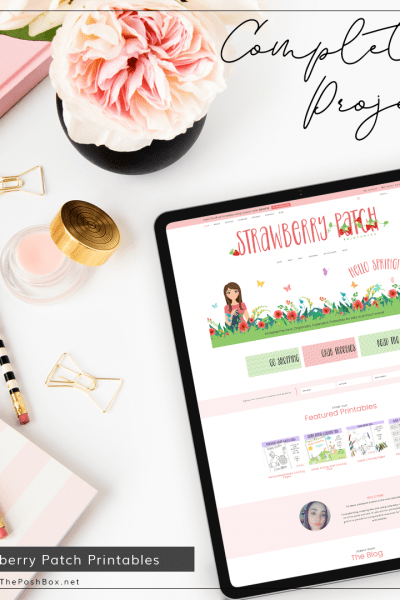
I thought it was time for a design update for my own website The Posh Box. I had been thinking about it during 2020 when I had A LOT of time on my hands, and it’s been since 2015 that I did a complete re-design, so it’s time. First I got some advice from someone very near and dear to…
Continue Reading
A New Design Coming for The Posh Box
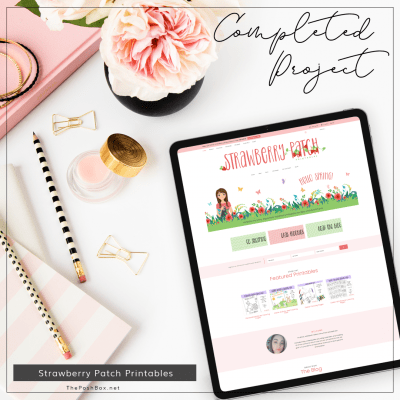
Project: Strawberry Patch Printables
Mara needed an Etsy store set up for all her adorable instant downloadable printables for both Parents and children. After about 2 months, she decided that Etsy had too many fees leaving her with very little profit and no room to increase her prices due to other sellers selling the same type of products at about her same prices (otherwise…
Continue Reading

Another Major WordPress Update – WordPress 5.5 – What You Should Do
WordPress is releasing another major update – WordPress 5.5 – which is slated for release on August 11, 2020, with features like automatic updates for plugins and themes, a block directory, XML sitemaps, block patterns, and lazy-loading images, among others. To learn more about the release, check out the Field Guide post. You can also read more about the updates…
Continue Reading
Should You Update WordPress NOW?
Should you update to WordPress now? Yes; however, please read my updating recommendations below. As I wrote in my blog post here, you should always wait about 2 weeks to update to any new version of either the Genesis Framework or WordPress. It has now been about a month in a half since the major release to WordPress 5.4. I…
Continue Reading
The Upcoming WordPress 5.4 Update – What You Need To Do FIRST
Updated: March 27, 2020 DO NOT UPDATE THE NEW VERSION UNTIL YOU READ THIS FIRST! On March 31st, WordPress is planning to release a major update. WordPress 5.4 will have lots of new features and changes, which brings the potential to break your site if you are not careful updating. If you want to read more about the WordPress 5.4…
Continue Reading
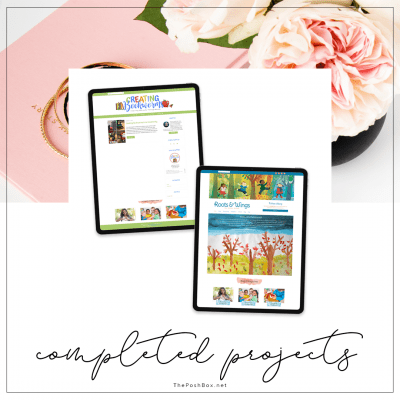
Completed Projects
I have completely SLACKED on announcing new completed client projects! But on a good note, that means I’ve been very busy with client sites, yaaaay! So without further ado, here are just a few client sites I completed LAST YEAR! Be sure to browse around and maybe one of their sites will spark an interest, be sure to subscribe to…
Continue Reading
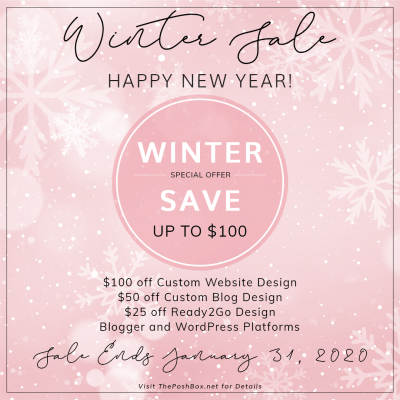
Happy New Year and a Winter Sale
HAPPY NEW YEAR! It’s 2020, OMG we made it! It’s the start of a new year and what better way to start 2020 than by having a month-long sale! Now is a great time to freshen up your website or blog (something you know you’ve been needing); or, start a new venture! Sale Details The sale is for both the…
Continue Reading
